


|
Quantity
|
Total
|
||
|
|
|||
|
|
|||
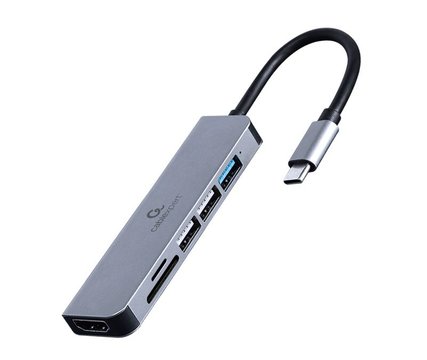
A docking station turns a single port on a laptop or other compatible device into a wider range of connections for displays, storage, networking and peripherals. It is useful for workstations where several devices need to be connected regularly.
What is a docking station used for?
Instead of connecting each device separately, you can use one docking station. Depending on the model, it can connect displays, a keyboard, mouse, external SSD, network cable and other peripherals.
USB-C and Thunderbolt
Many modern docking stations use USB-C or Thunderbolt as the main connection. However, the same connector shape does not guarantee the same capabilities, so check the supported standards and features before buying.
Ports and features
Docking stations may include HDMI, DisplayPort, USB-A, USB-C, Ethernet, audio connectors, card readers and other interfaces. Some models support multiple displays and Power Delivery charging for compatible devices.
How to choose a docking station
Before buying, check the connection interface, available ports, display support, maximum resolution, data transfer speed, Power Delivery and compatibility. Make sure your laptop or other device supports the required functions through its available port.
At Laptop One, you can compare specifications and buy a docking station with the interfaces you need for your workstation.