
|
Quantity
|
Total
|
||
|
|
|||
|
|
|||
Optical drives are used to read and write data on optical discs. Depending on the model, a drive may support CD, DVD or Blu-ray media and may offer both reading and writing capabilities.
What is an optical drive used for?
An optical drive can be useful for accessing older software, archives, music, video and other data stored on physical discs. It can also be used to access information distributed on optical media.
DVD or Blu-ray
DVD drives are designed to work with CD and DVD media, depending on the model. Blu-ray drives additionally support Blu-ray discs and can be useful for accessing higher-capacity optical media.
Internal and external optical drives
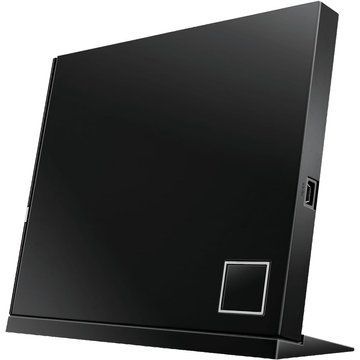
Internal optical drives are installed inside a desktop PC case. External DVD and Blu-ray drives connect to a PC or laptop through an external interface and are useful for devices without a built-in optical drive.
What to consider when choosing
Before buying, check the supported disc formats, writing capabilities, operating speeds, drive format and connection interface. For an internal drive, also make sure it is compatible with the PC case.
At Laptop One, you can compare specifications and buy an optical drive for a PC or laptop based on the required disc format and connection type.